Supported File Formats
This section demonstrates how OMIO reads different microscopy file formats via the
imread interface. All formats are normalized to OMIO’s canonical OME-compliant
representation.
The examples below assume the following imports:
import omio as om
import pprint
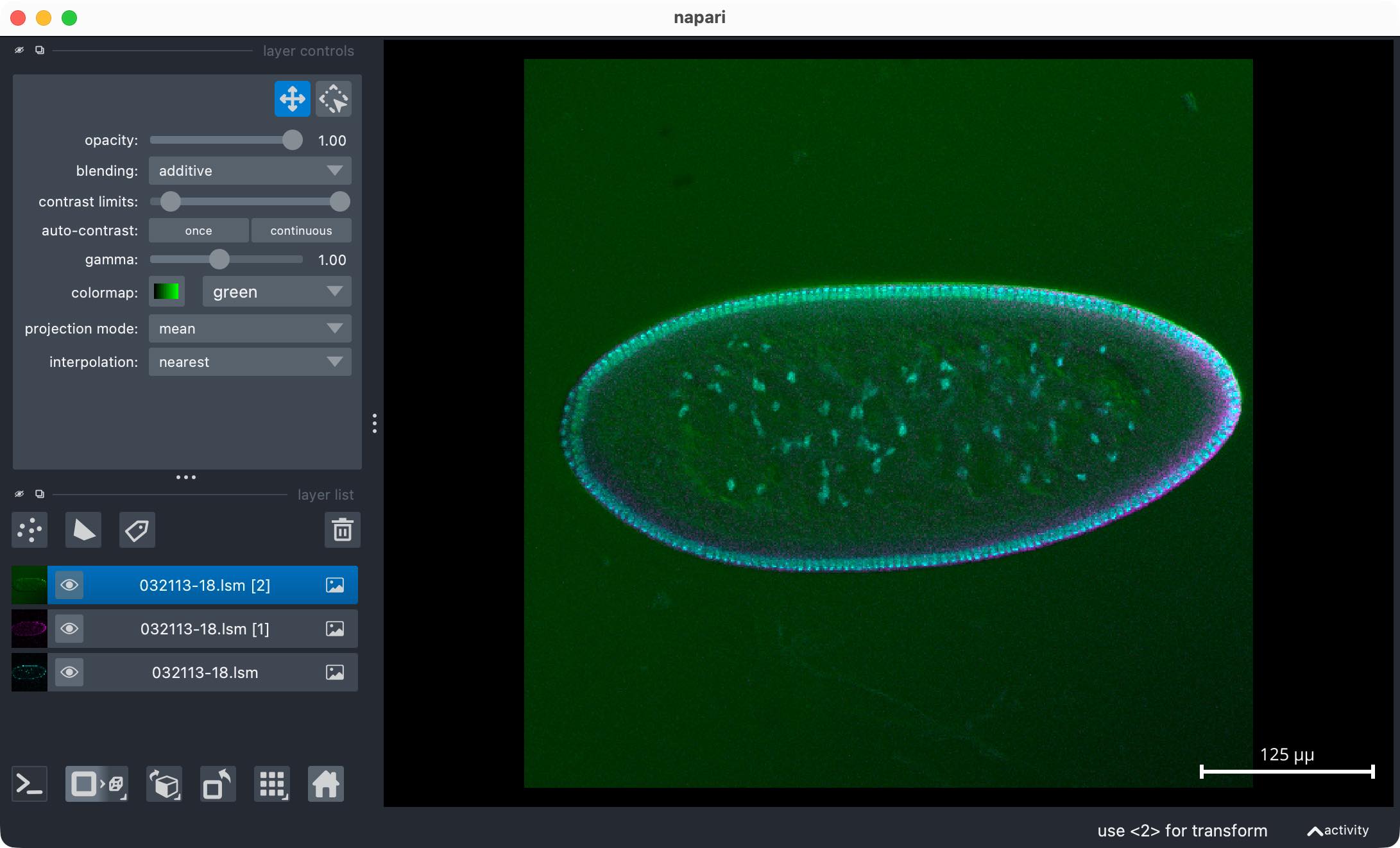
Reading LSM Files
imread and its associated reading function read_tif are based on the
tifffile library, which also supports reading Zeiss LSM files. Thus, you can read
LSM files directly with imread as well.
fname_lsm = "example_data/lsm_test_file/032113-18.lsm"
image_lsm, metadata_lsm = om.imread(fname_lsm)
print(f"LSM image shape: {image_lsm.shape}")
pprint.pprint(metadata_lsm)
om.open_in_napari(image_lsm, metadata_lsm, fname_lsm)
Reading CZI Files
OMIO also supports reading of Zeiss CZI files via the imread function, which internally
calls the read_czi function based on the czifile library.
fname_czi = "example_data/czi_test_file/xt-scan-lsm980.czi"
image_czi, metadata_czi = om.imread(fname_czi)
print(f"CZI image shape: {image_czi.shape}")
pprint.pprint(metadata_czi)
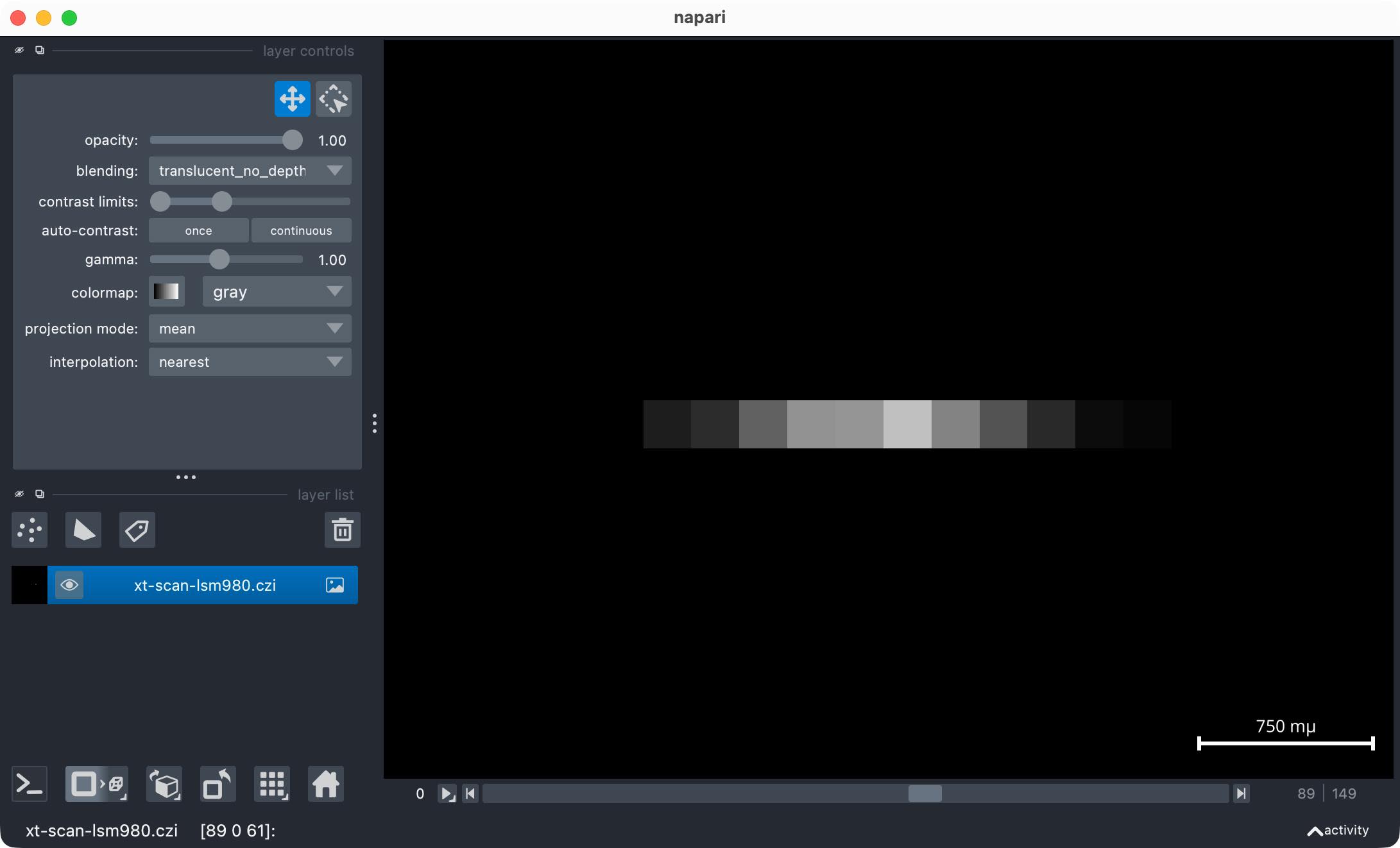
om.open_in_napari(image_czi, metadata_czi, fname_czi)
Reading Thorlabs RAW Files
OMIO supports reading of Thorlabs RAW files via the imread function, which internally
calls the read_thorlabs_raw function. read_thorlabs_raw is a custom OMIO function.
For older Python versions (<= 3.9), the PyPI package utils2p was a common solution to
read Thorlabs RAW files, but this package is no longer maintained and does not support
Python 3.10 and above. Thus, OMIO provides its own implementation to read Thorlabs RAW files.
Note, however, that OMIO itself requires Python 3.12 or newer.
fname_raw = "example_data/thorlabs_dummy_data/case_C2_Z10_T5/example_C2_Z10_T5.raw"
This folder contains dummy Thorlabs RAW files generated with the script
additional_scripts/generate_thorlabs_dummy_raws.py. It also contains the associated
example XML files required to read the RAW files correctly.
Note that reading Thorlabs RAW files always requires both the RAW file and its associated XML file to be present.
image_raw, metadata_raw = om.imread(fname_raw)
print(f"Thorlabs RAW image shape: {image_raw.shape}")
pprint.pprint(metadata_raw)
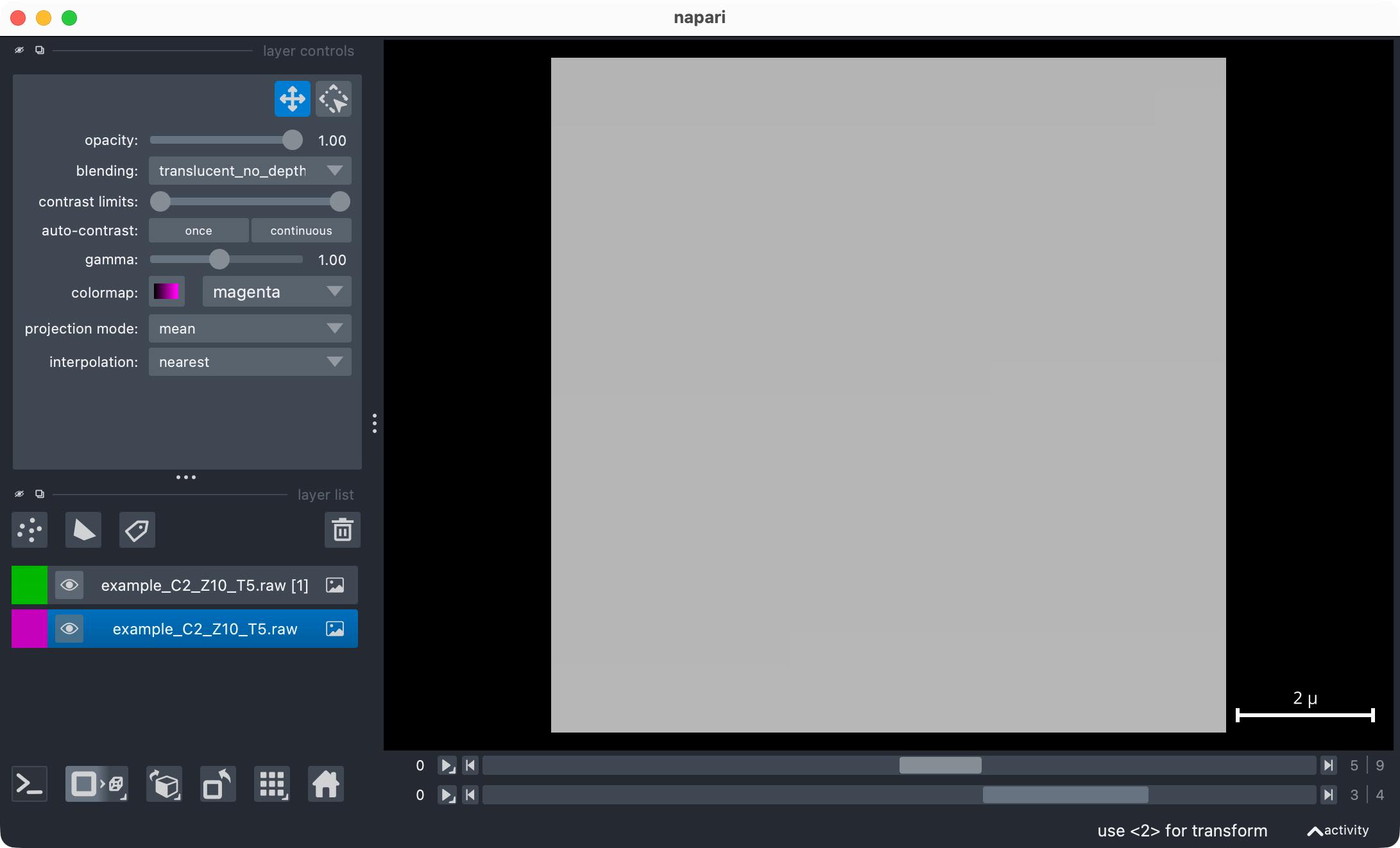
om.open_in_napari(image_raw, metadata_raw, fname_raw)
Output (only the print command):
>>>

Thorlabs RAW image shape: (5, 10, 2, 20, 20)
If the corresponding XML file is missing or cannot be found, imread will
give a warning and returns None for both image and metadata.
fname_raw = "example_data/thorlabs_dummy_data/case_C2_Z10_T5_missing_xml/example_C2_Z10_T5.raw"
image_raw, metadata_raw = om.imread(fname_raw)
Terminal output during reading:
>>>

Reading Thorlabs RAW file: example_data/thorlabs_dummy_data/case_C2_Z10_T5_missing_xml/example_C2_Z10_T5.raw
WARNING: No Thorlabs XML metadata and no YAML fallback found.
         Cannot infer RAW dimensions (T, Z, C, Y, X, bits). Create a YAML file in the same folder as the RAW
         file with keys: T, Z, C, Y, X, bits (and optionally pixelunit, PhysicalSizeX/Y/Z, TimeIncrement,
         TimeIncrementUnit). Please refer to the documentation for details.
         You may also use the utility function create_thorlabs_raw_yaml(fname) to create an empty YAML file
         template that you can fill in manually. It will be created in the same folder as the RAW file.

         Example YAML content (save as, e.g., Experiment.yaml into the same folder as the RAW file):

         T: 1
         Z: 1
         C: 1
         Y: 512
         X: 512
         bits: 16
         pixelunit: micron
         PhysicalSizeX: 0.5
         PhysicalSizeY: 0.5
         PhysicalSizeZ: 1.0
         TimeIncrement: 1.0
         TimeIncrementUnit: seconds

         You may also use omio.create_thorlabs_raw_yaml(fname) to generate such a file interactively.
In such cases, you can provide a YAML file with the required metadata as a fallback. The YAML file must be located in the same folder as the RAW file and has the following structure:
T: 1
Z: 1
C: 1
Y: 512
X: 512
bits: 16
pixelunit: micron
PhysicalSizeX: 0.5
PhysicalSizeY: 0.5
PhysicalSizeZ: 1.0
TimeIncrement: 1.0
TimeIncrementUnit: seconds
Avoid placing more than one YAML file in the same folder as the RAW file to prevent ambiguity.
You can also use OMIO’s utility function create_thorlabs_raw_yaml(fname) to create an
empty YAML template that you can fill in manually. The template is created in the same
folder as the RAW file. The function uses default values for the metadata entries, which
you can then modify as needed:
fname_raw = "example_data/thorlabs_dummy_data/case_C2_Z10_T5_yaml/example_C2_Z10_T5.raw"
om.create_thorlabs_raw_yaml(fname_raw,
                  T=5, Z=10, C=2, Y=20, X=20,
                  bits=16,
                  pixelunit="micron",
                  physicalsize_xyz=(0.5, 0.5, 1.0),
                  time_increment=1.0, time_increment_unit="seconds")

image_raw, metadata_raw = om.imread(fname_raw)
om.open_in_napari(image_raw, metadata_raw, fname_raw)
Terminal output during reading:
>>>

Created dummy YAML metadata file at example_data/thorlabs_dummy_data/case_C2_Z10_T5_yaml/example_C2_Z10_T5_metadata.yaml

Reading Thorlabs RAW file: example_data/thorlabs_dummy_data/case_C2_Z10_T5_yaml/example_C2_Z10_T5.raw
No XML file found. Found YAML metadata file: example_C2_Z10_T5_metadata.yaml.
Reading entire Thorlabs RAW file into RAM...
Correcting for OME axes order...
   Got NumPy array as input. Will return reordered NumPy array.
Finished reading Thorlabs RAW file.